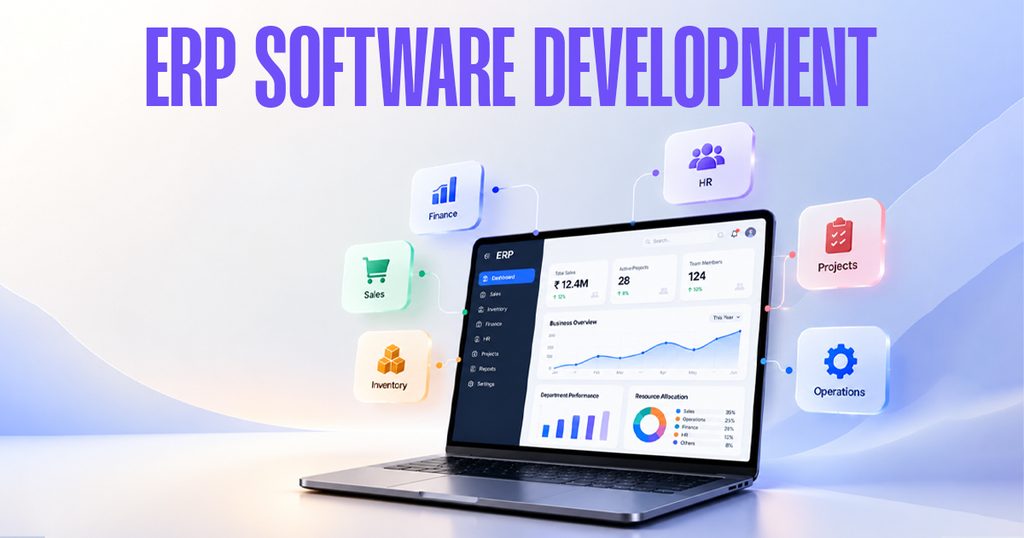
As businesses grow, managing daily operations across separate systems can become increasingly difficult. Sales teams maintain customer records, finance teams manage accounts, inventory teams track stock, and managers collect reports from different sources. When these activities are disconnected, businesses may face duplicate data entry, delayed updates, and limited visibility into performance.
ERP software development helps businesses bring essential processes together through a connected digital system. By centralising information and automating routine workflows, organisations can improve coordination between departments and make decisions using more consistent data.
For businesses planning to modernise their operations, understanding how enterprise resource planning software works can help identify opportunities to simplify processes, improve productivity, and support future growth.
Why Do Businesses Need ERP Software Development?
Growing organisations often find that their existing tools no longer support the complexity of their operations. Separate spreadsheets and applications may work initially, but managing information across multiple departments can become time-consuming as transaction volumes increase.
ERP software can address these challenges by connecting business functions within a shared system.
1. Centralised Business Information
When departments maintain separate records, employees may spend considerable time searching for information and checking whether figures match. An integrated ERP system can bring relevant data into one platform, making it easier for authorised teams to access updated information.
2. Reduced Manual Work
Routine activities such as order processing, stock updates, invoice generation, and approval notifications may be automated according to defined business rules. This can reduce repetitive work and help employees focus on tasks that require judgement and attention.
3. Improved Department Coordination
An order received by the sales team may affect inventory, procurement, dispatch, and accounting. Connecting these workflows helps departments work with shared information rather than relying entirely on separate messages and manual updates.
4. Better Operational Visibility
Dashboards and reports can help managers review sales performance, stock levels, expenses, and other business indicators. Timely information supports more informed planning and helps teams identify operational issues earlier.
Custom ERP Software Development vs Standard ERP Solutions
Businesses generally need to decide whether an existing ERP product can meet their requirements or whether a customised system would be more appropriate.
A standard ERP solution may provide ready-made features for common business processes. It can be suitable when its workflows and configuration options match the organisation’s needs.
Custom ERP software development may be worth considering when a business has specialised processes, unique approval rules, industry-specific requirements, or integration needs that standard software does not adequately address.
Before choosing either approach, evaluate the following:
- Business requirements: Identify the processes the system must support.
- Integration needs: Determine whether it must connect with existing accounting, CRM, e-commerce, or other applications.
- Implementation costs: Consider development, licensing, migration, training, hosting, and ongoing support.
- Scalability: Assess whether the solution can accommodate additional users, branches, transactions, and modules.
- User experience: Ensure the system is practical for employees who will use it every day.
The right approach is the one that solves the organisation’s actual operational problems without introducing unnecessary complexity.
How Does the ERP Software Development Process Work?
A structured development process helps ensure that the final system reflects real business requirements rather than assumptions.
Step 1: Analyse Business Requirements
Review existing workflows, identify repetitive tasks, understand approval processes, and document the problems the system should solve.
Step 2: Define the System Scope
Prioritise the required modules, user roles, reports, integrations, and automation rules. Agree on deliverables and acceptance criteria before development begins.
Step 3: Design the User Experience and Architecture
Plan the system structure, data relationships, interfaces, access permissions, and integration methods. The design should support the needs of different departments.
Step 4: Develop and Test the Modules
Build the agreed functionality and test it against real business scenarios. Testing should cover calculations, permissions, data accuracy, integrations, and error handling.
Step 5: Migrate Data and Train Users
Prepare existing records for migration, verify the transferred information, and train employees on the new workflows. Data quality checks are important before the system goes live.
Step 6: Deploy and Improve
Deploy the system with an appropriate support plan. Monitor performance, collect user feedback, and make improvements as business requirements change.
For larger organisations, a phased rollout can help teams adopt the system gradually and reduce the disruption associated with replacing multiple processes at once.
How Can AI and Automation Enhance ERP Systems?
ERP systems can become more useful when combined with suitable automation and AI capabilities. The objective should be to solve specific business problems rather than add technology without a clear purpose.
Potential applications include:
- Automated notifications for pending approvals and overdue tasks.
- Demand forecasting using historical sales and inventory data.
- Document processing to extract information from invoices or purchase orders.
- Natural-language interfaces that help authorised users retrieve business information.
- Automated workflow routing based on defined rules.
- Exception alerts that highlight unusual transactions or operational delays.
These capabilities require appropriate data quality, permissions, testing, and oversight. AI-generated recommendations should be reviewed carefully when they influence financial, operational, or compliance-related decisions.
Businesses exploring intelligent automation can also consider how AI capabilities may integrate with their existing enterprise systems.
Choose EON8 for Your Business Technology Journey
Every organisation has different operational requirements. Before investing in an ERP solution, businesses should identify their most important challenges, define the expected outcomes, and determine how the proposed technology will fit into their existing environment.
EON8 works across digital growth and technology-related solutions, including AI-focused business automation. Businesses interested in modernising workflows can explore its official website to understand the available services and discuss their requirements.
Visit EON8 to learn more about its digital and technology solutions.
When evaluating an ERP development project, focus on practical outcomes such as reduced manual effort, better data consistency, improved workflow visibility, and a system that can adapt as your organisation grows.
Build a Stronger Foundation for Business Growth
ERP software development can help organisations connect departments, improve access to information, and establish more consistent business processes. However, successful implementation depends on understanding operational requirements, selecting the right features, preparing reliable data, and supporting employees throughout the transition.
Businesses considering ERP development should start by mapping their current workflows and identifying where integration or automation would make the greatest difference. A clearly defined scope and a practical implementation plan can provide a stronger foundation for long-term digital transformation
Frequently Asked Questions
1. What is ERP software development?
ERP software development involves creating, customising, or integrating enterprise resource planning software to manage business functions such as finance, inventory, sales, procurement, and human resources.
2. Which businesses can benefit from ERP software?
Manufacturing companies, distributors, retailers, service providers, and other organisations with interconnected operational processes may benefit from ERP software.
3. What is the difference between custom ERP and standard ERP software?
Standard ERP software provides predefined features that can often be configured. Custom ERP software is developed or substantially tailored to meet specific business workflows and requirements.
4. How long does ERP software development take?
The timeline depends on the number of modules, integration requirements, data migration, testing, and project complexity. A smaller implementation may take weeks, while a larger multi-department system may require several months or longer.
5. Can ERP software integrate with existing business applications?
Yes. Depending on the systems involved, ERP software can integrate with accounting tools, CRM platforms, e-commerce systems, and other applications through APIs or supported integration methods.
6. How does ERP software improve business efficiency?
ERP software can reduce duplicate data entry, automate routine workflows, improve information sharing, and provide reports that help teams make better-informed decisions